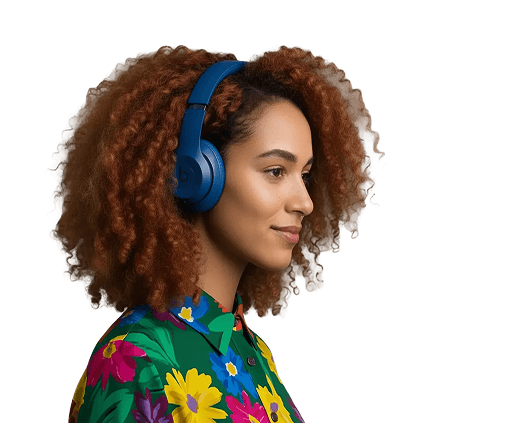

An image of a young professional learning with headphones on
** FRAMER **ACADEMY ** TEMPLATE

SIMPLY BRILLIANT!

Learnoverse is a no-code Framer course template. Build and launch your own online learning platform fast!

An image of a young professional learning with headphones on
** FRAMER **ACADEMY ** TEMPLATE

SIMPLY BRILLIANT!

Learnoverse is a no-code Framer course template. Build and launch your own online learning platform fast!

An image of a young professional learning with headphones on
** FRAMER **ACADEMY ** TEMPLATE

SIMPLY BRILLIANT!

Learnoverse is a no-code Framer course template. Build and launch your own online learning platform fast!

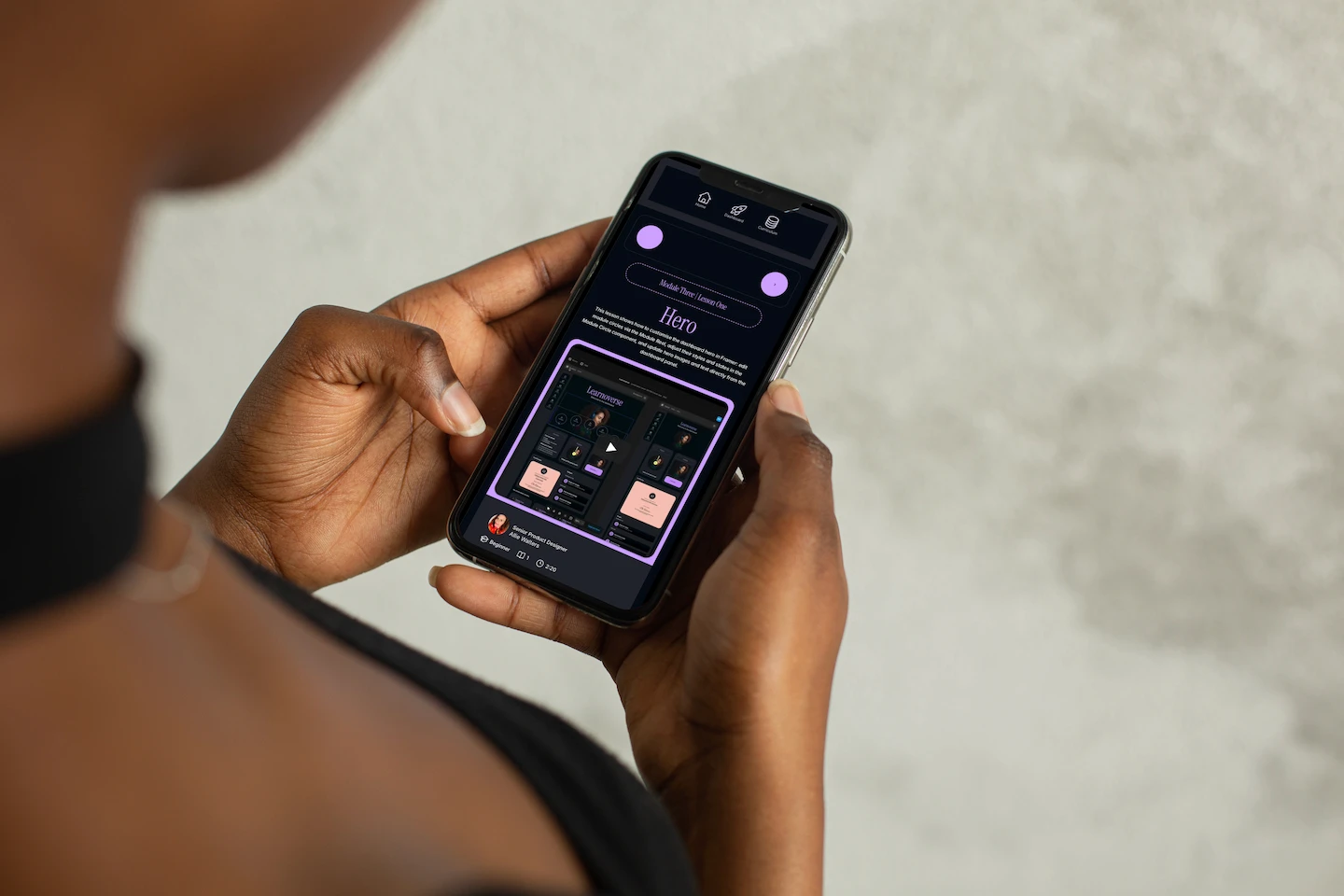
A mobile shows an example lesson page
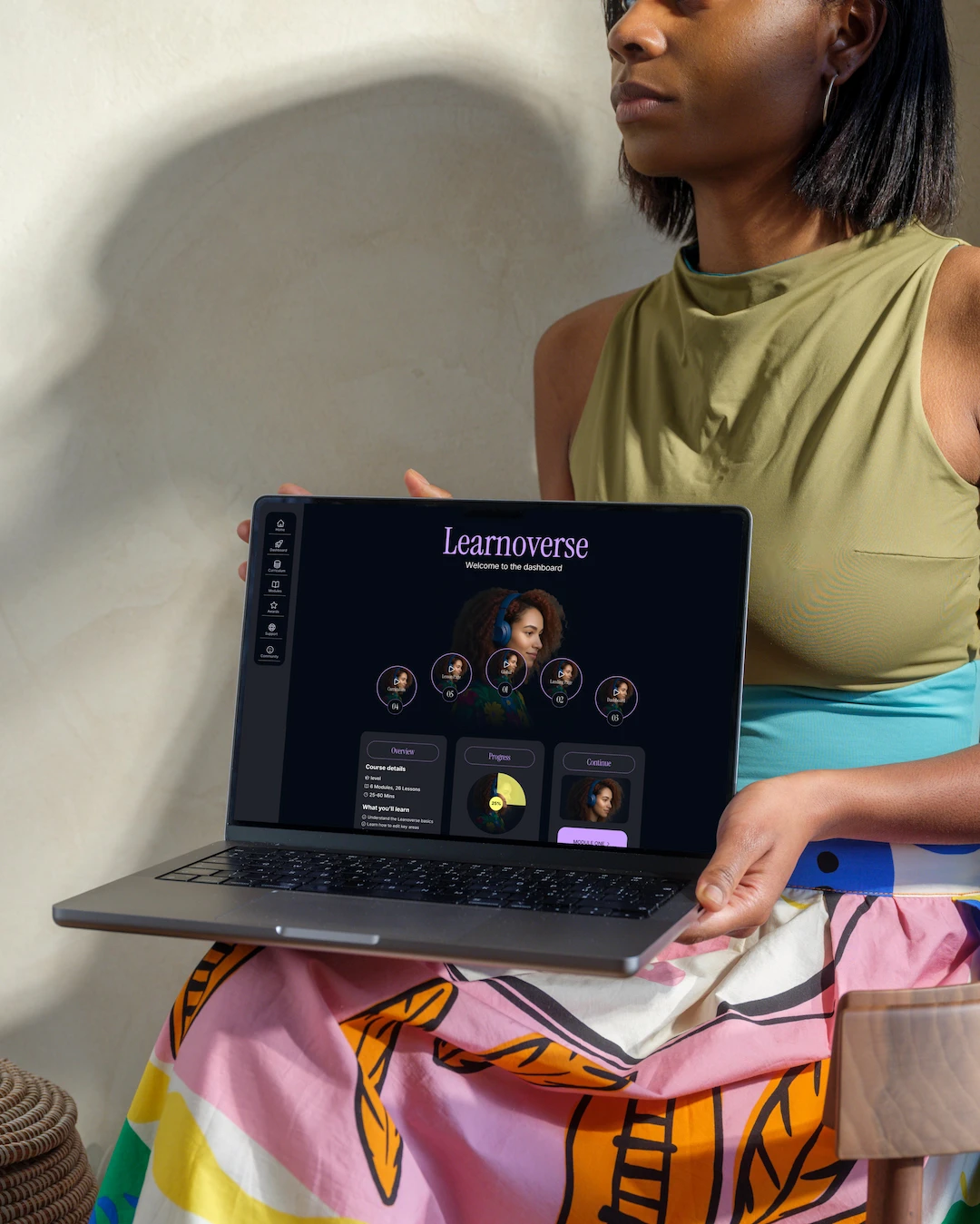
A woman holds a laptop showing the desktop version of the Learnoverse dashboard
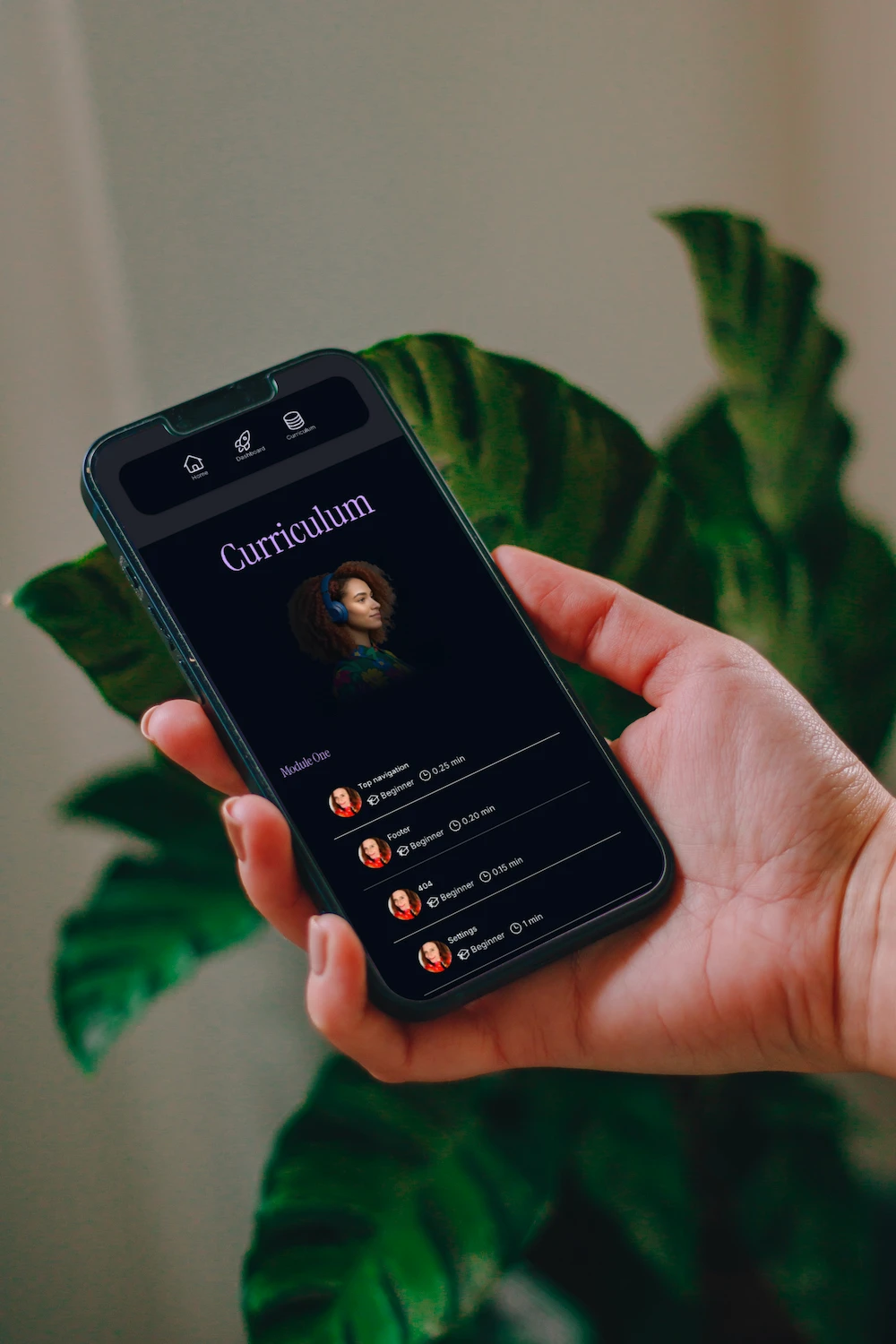
A hand held mobile shows the Learnoverse curriculum

There are 21 support videos provided with your template to help you customise each section on the landing page, dashboard, curriculum, and module pages. Explore how to use the Learnoverse template while experiencing it in action.

There are 21 support videos provided with your template to help you customise each section on the landing page, dashboard, curriculum, and module pages. Explore how to use the Learnoverse template while experiencing it in action.

WHAT YOU GET

An image of a student looking at a Learnoverse lesson page whilst being cosy on the sofa
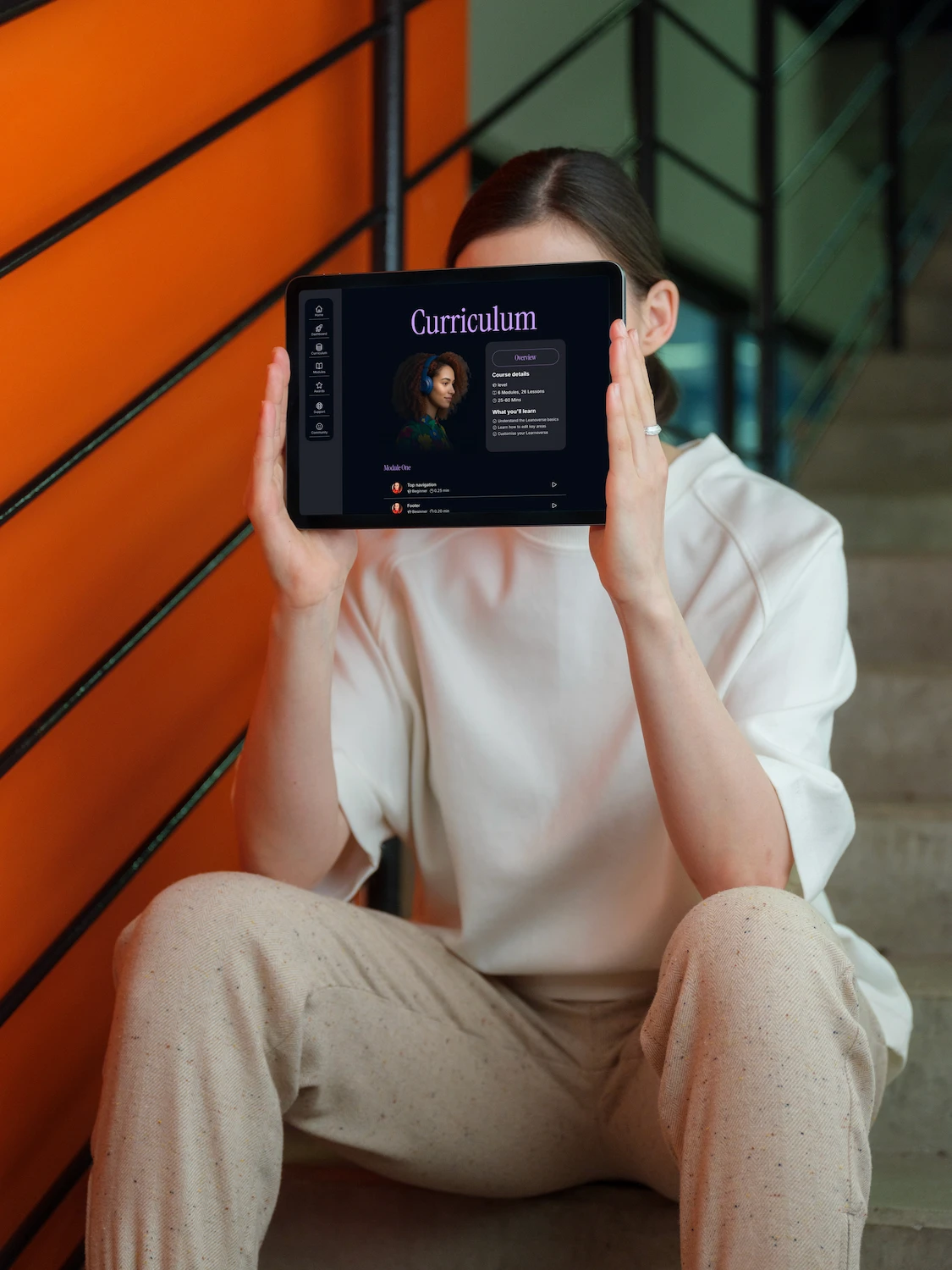
A woman holds a horizontal tablet showing the Learnoverse curriculm
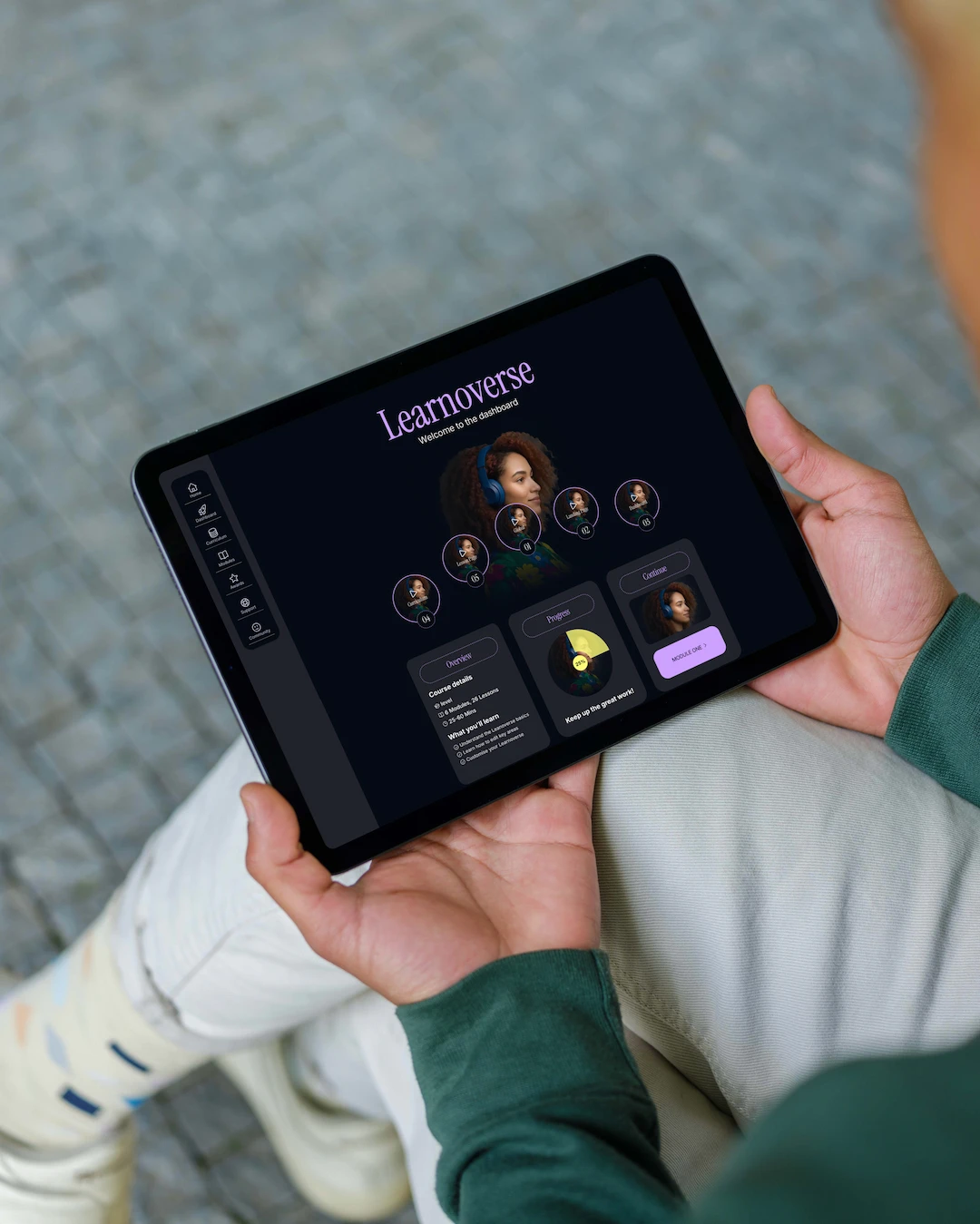
A learner using a horizontal tablet to view the Learnoverse dashboard
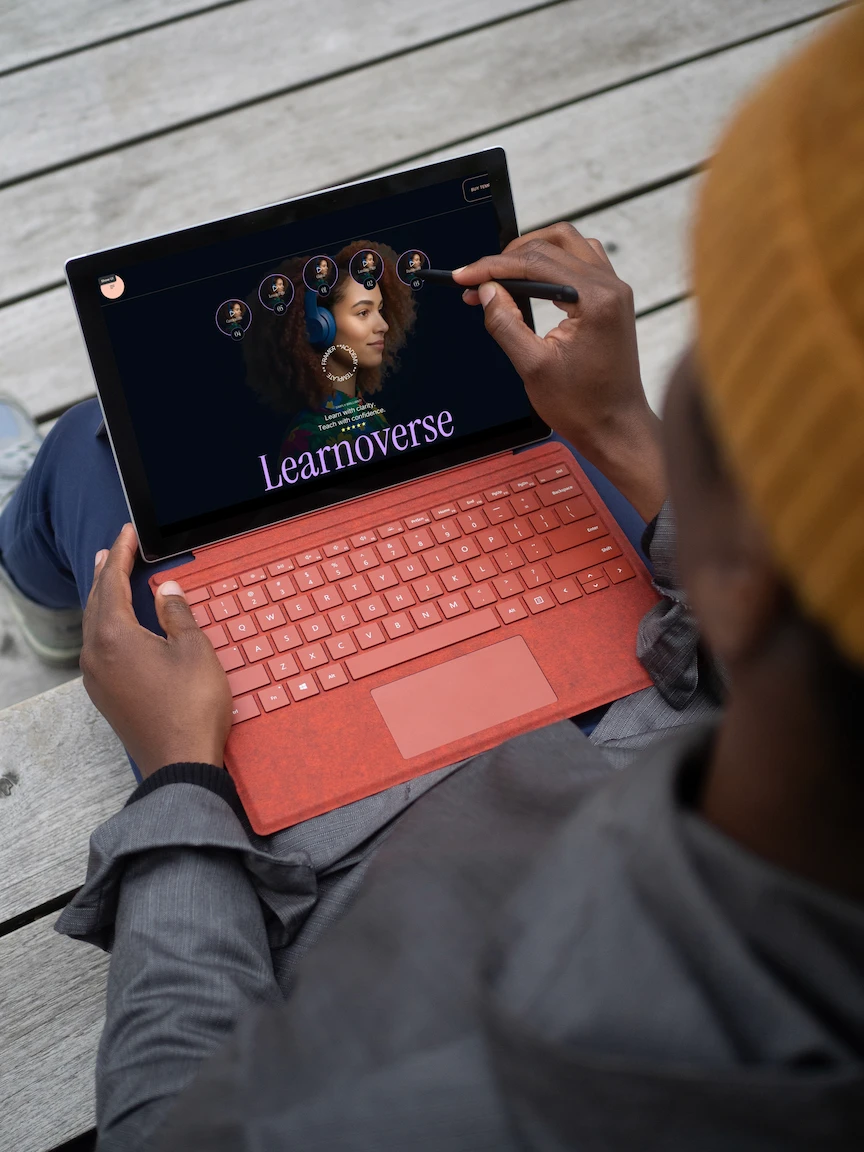
An image shows a student using the Learnoverse landing page on a laptip and using a digital pen
An image of a student looking at a Learnoverse lesson page whilst being cosy on the sofa
A woman holds a horizontal tablet showing the Learnoverse curriculm
A learner using a horizontal tablet to view the Learnoverse dashboard
An image shows a student using the Learnoverse landing page on a laptip and using a digital pen
An image of a student looking at a Learnoverse lesson page whilst being cosy on the sofa
A woman holds a horizontal tablet showing the Learnoverse curriculm
A learner using a horizontal tablet to view the Learnoverse dashboard
An image shows a student using the Learnoverse landing page on a laptip and using a digital pen

01.

Landing page

Show-off your course with a beautifully engaging landing page. Learn how to easily edit with page by page modules and bite-sized lessons.

02.

Dashboard

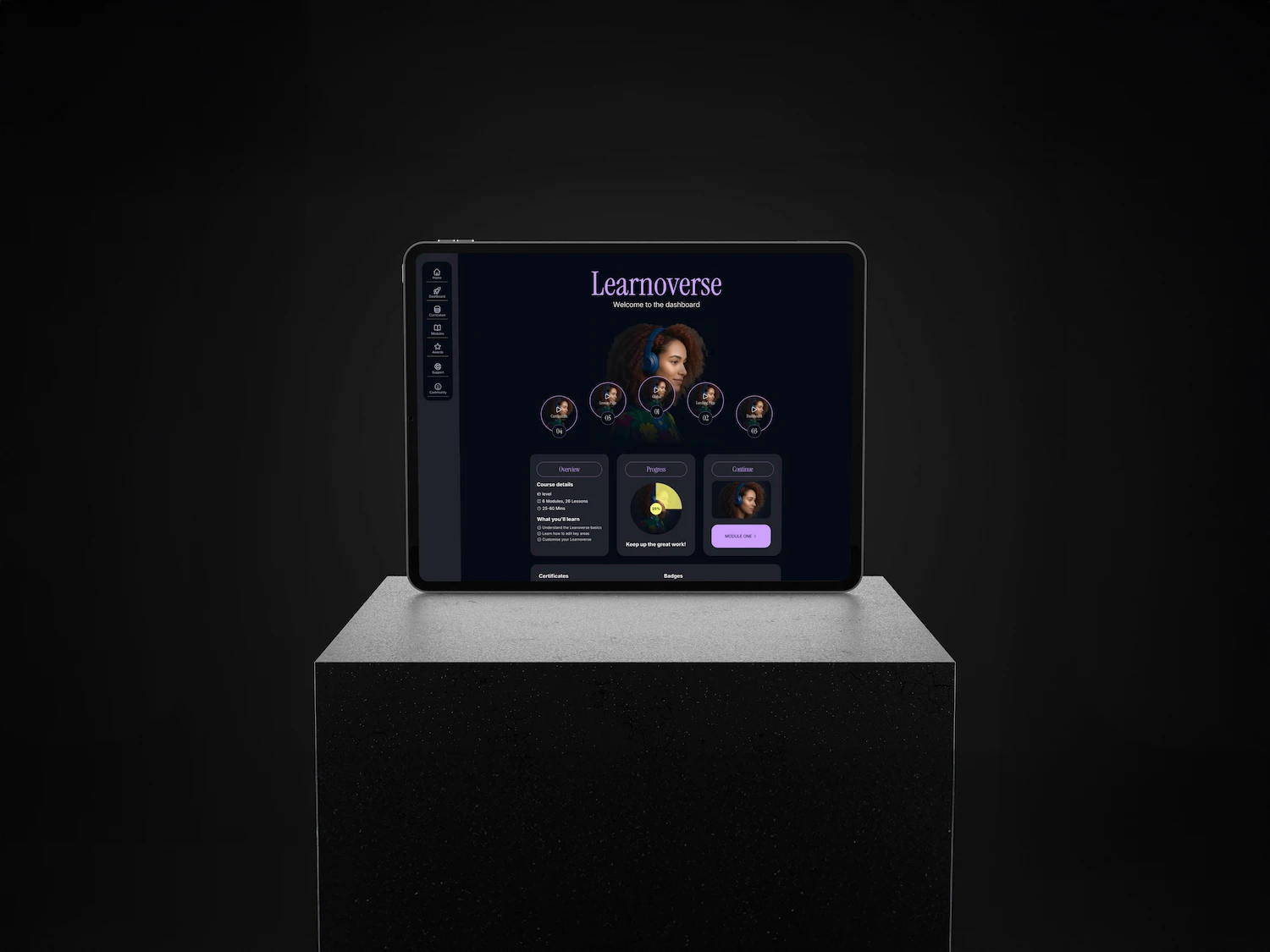
Experience the learner dashboard and reuse it to motivate your students. Show progress, a certificate, badges, and recommended content.

02.

Dashboard

Experience the learner dashboard and reuse it to motivate your students. Show progress, a certificate, badges, and recommended content.

03.

Curriculum

Organise modules, and lessons with clean logic. See how modules, and lessons work — then adapt them for your content.

03.

Curriculum

Organise modules, and lessons with clean logic. See how modules, and lessons work — then adapt them for your content.

04.

Lesson Page

Explore clean, ready-made lesson page designs while learning how to customise them. Designed entirely in Framer with simplicity in mind.

04.

Lesson Page

Explore clean, ready-made lesson page designs while learning how to customise them. Designed entirely in Framer with simplicity in mind.

CURRICULUM

Each module in our demo course walks you through a part of the Learnoverse template while youre inside it.

Each module in our demo course walks you through a part of the Learnoverse template while youre inside it.

STUDENTS

A dashboard designed to encourage progress. Your learners stay motivated with progress visuals, ecommendations, and achievements.

A dashboard designed to encourage progress. Your learners stay motivated with progress visuals, ecommendations, and achievements.

01.

Continue Course

A continue learning widget taking your learners straight to your curriculum.

01.

Course Progress

A course progress ring: “You’re 25 percent through the Getting Started course”

Progress

1%

Keep up the great work!

01.

Certificate

A certficate to motivate your learners to continue learning.

Certificates

CERTIFICATE OF COURSE COMPLETION

Getting started with Learnoverse

PROUDLY AWARDED TO

Ellie Robinson

Has completed and demonstrated knowledge of getting started with Learnoverse

CERTIFICATE OF COURSE COMPLETION

Getting started with Learnoverse

PROUDLY AWARDED TO

Ellie Robinson

Has completed and demonstrated knowledge of getting started with Learnoverse

01.

Badges

Completion of modules badges.

Badges

Achieved so far

Beginner badge

Completion of modules one to three

TEACHERS

Made for creators of every style.

Made for creators of every style.

Creators

Course creators

Innovators

Coaches

Solo's

Solos building internal training

Teams

Testing education materials

Agencies

Agencies delivering training

Start-ups

How to use your product

Course overview

Course details

Beginner

1 course, 5 Modules

60+ Mins

What you'll learn

Understand the Leanoverse basics

Edit pages, fields, collections

Customise your own academy

An image of a young professional learning with headphones on
Pricing

Online course

Learn how Learnoverse works. Includes 1 complete course template.

$79

An image of a young professional learning with headphones on
Pricing

Online course

Learn how Learnoverse works. Includes 1 complete course template.

$79

An image of a young professional learning with headphones on
Modules Overview

Course details

Beginner

5 Modules, 24 Lessons

60+ Mins

What you'll learn

Clear modules related to pages

Dip in to the support required

Additional Framer resources

An image of a young professional learning with headphones on
01
What's included in the price?

The price includes an editable landing page, dashboard, curriculum, and 21 lessons showing you how to use and edit the lessson template. All images on the Learnoverse template are original. The Lordicon animations used on the homepage and dashboard pages are also fully licensed, however you'll need to purchase credits from Lordcion to edit these. Lordicon has a great variety of free animations. You will ideally need a Framer Pro plan for this which is not included and will need to be purchased through Framer. One purchase covers one website or end product license. Additional projects require an additional licence.

02
Is there a CMS and do I need to know how to code?

Yes, the lesson pages and curriculum are connected to the Framer cms. The Learnoverse template uses no code but you can add code if you want to push your course template further. The dashboard page uses progress graphics only (they are not coded directly to the students progress).

03
How does support or a refund work?

We offer a 48-hour full money-back guarantee if you are not happy with your purchase. Please visit our refund policy for more information: https://happilyunstuck.com/refund-policy. There are 21 support videos provided with your template to help you navigate each section on the landing page, dashboard, curriculum and module pages. If you're still stuck, contact us and we’ll do our best to help you with quick queries within 48 hours. Additional support can be purchased upon request.

01
What's included in the price?

The price includes an editable landing page, dashboard, curriculum, and 21 lessons showing you how to use and edit the lessson template. All images on the Learnoverse template are original. The Lordicon animations used on the homepage and dashboard pages are also fully licensed, however you'll need to purchase credits from Lordcion to edit these. Lordicon has a great variety of free animations. You will ideally need a Framer Pro plan for this which is not included and will need to be purchased through Framer. One purchase covers one website or end product license. Additional projects require an additional licence.

02
Is there a CMS and any code?

Yes, the lesson pages and curriculum are connected to the Framer cms. The Learnoverse template uses no code but you can add code if you want to push your course template further. The dashboard page uses progress graphics only (they are not coded directly to the students progress).

03
How does support / refund work?

We offer a 48-hour full money-back guarantee if you are not happy with your purchase. Please visit our refund policy for more information: https://happilyunstuck.com/refund-policy. There are 21 support videos provided with your template to help you navigate each section on the landing page, dashboard, curriculum and module pages. If you're still stuck, contact us and we’ll do our best to help you with quick queries within 48 hours. Additional support can be purchased upon request.

TESTIMONIALS

What creators love about Learnoverse.

What creators love about Learnoverse.

An image of a young professional learning with headphones on
Conrad J

UX Designer

I loved using the Learnoverse template. Everything was super easy to use and the design is so fresh and lively.
An image of a young professional learning with headphones on
Jordan P

Content creator

Being able to learn the template inside the template was brilliant. I launched my course in a weekend.
An image of a young professional learning with headphones on
Alex D

Founder

The dashboard alone saved me hours. Everything just works.
An image of a young professional learning with headphones on
Leena C

Solo

The structure is so clean. I understood Framer’s CMS better in 30 minutes than I had in months
An image of a young professional learning with headphones on
Sid X

Educator

This template has saved me SO much time! I've edited it and tweakd it a bit to suit my needs. Love it!
An image of a young professional learning with headphones on
Stevie L

HR

Learnoverse is a beutiful template to share eductaional resource.
An image of a young professional learning with headphones on
Ellie J

Coach

I've just launched my short course using Learnoverse. The template was so easy to use, with really clear lessons on how to edit sections.
An image of a young professional learning with headphones on
Sam P

Innovator

A fantatic Framer template that saved me so much time launching my course! The cms is all set-up for you.
An image of a young professional learning with headphones on
Tom Q

UX Designer

Simply brilliant!

Create a free website with Framer, the website builder loved by startups, designers and agencies.